I've fixed dozens of vibe-coded apps. Here's what keeps going wrong.
In this article
It's 11 p.m. on a Friday. You've got an idea, half a coffee, and zero coding experience worth mentioning. By Sunday night, you have an actual app — login screen, database, a dashboard that loads without falling over. No bootcamp. No three-week tutorial binge. No cornering a developer friend for a "quick favor" that eats their whole weekend too. You just typed what you wanted in plain English and watched something build itself in front of you.
Welcome to vibe coding, where "I built this in a weekend" has quietly gone from a brag to a Tuesday. It feels like magic. For a demo, it basically is.
Then real users show up.
That's the part nobody puts in the highlight reel. Someone who fixes these apps for a living wrote about it recently, and the point they made should needle every solo builder a little: every app is different. The reasons they break are not. Same handful of gaps. Project after project. Client after client.
The good news? Once you know what those gaps are, you don't need to turn into a senior backend engineer overnight to close them. You just need a way to catch them before your users do. More on that in a bit. First, the four mistakes.
The 4 mistakes every vibe-coded app seems to make
1. There's no real foundation under the code
Ask a vibe-coded builder to send over their project files and watch the scramble start. Stuff is scattered across a downloads folder, a chat export, maybe a second laptop nobody mentioned. There's no Git history to fall back on. None. So when the AI rewrites a working feature into a broken one — and it will — the only undo button is your memory of what it used to look like.
A proper virtual environment and version control aren't red tape. They're the difference between "that update broke login, let's revert it" and "well, guess we're rebuilding login from scratch."
2. Nobody can tell what actually went wrong
When something fails in a vibe-coded app, it fails loudly and uselessly — a raw stack trace dumped straight onto the user's screen. Or worse: a blank page and dead silence. No log saying what happened, when, or why. So whoever gets called in to fix it ends up debugging blind, because the app was never built to explain itself.
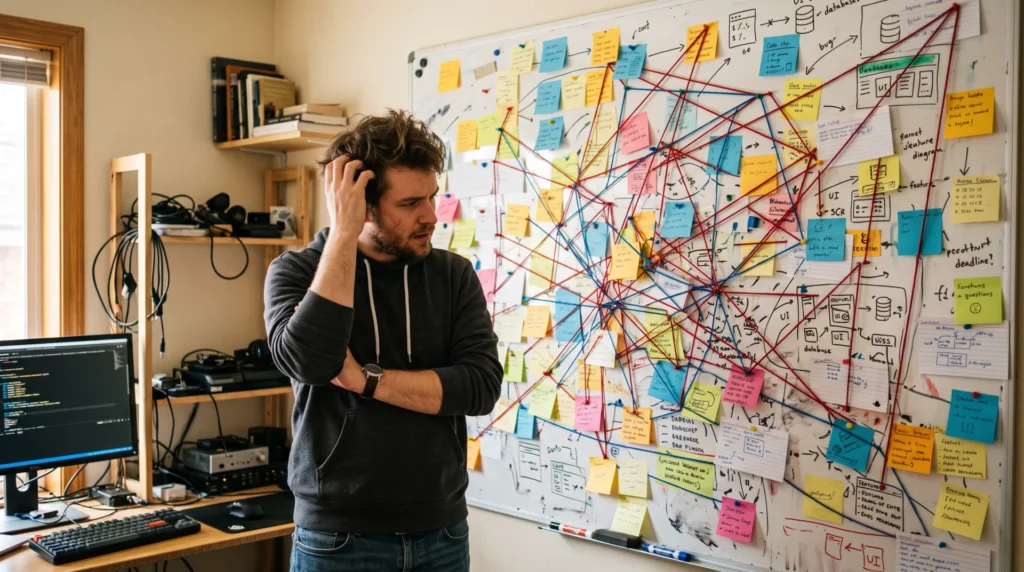
Good error handling just means catching the failure, logging the useful bits somewhere a human can actually read later, and showing the user a plain sentence instead of a wall of red text.
3. Security gets treated like a nice-to-have
This is where it gets genuinely scary — Maning says it's the category that causes the most damage. He found a live OpenAI API key sitting in a plain config file. Didn't even need an audit. Just opened the folder and there it was. Elsewhere: an admin panel "protected" by nothing more than a hidden button, not an actual permissions check. None of this is exotic hacking. It's the kind of thing anyone with browser dev tools and five spare minutes stumbles into by accident.
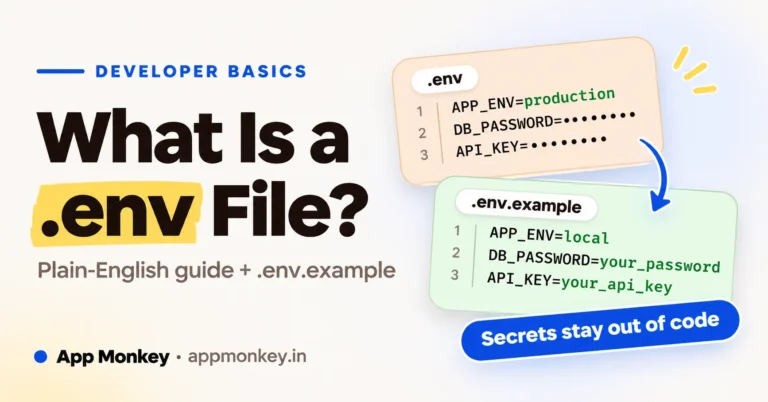
Secrets belong in environment variables, never committed to Git. Permissions get checked on the server, not just hidden in the interface. And dependencies? Scanned for known vulnerabilities, not trusted blindly because "the AI wrote it." Google's free OSV-Scanner is the usual suggestion here, and it's fine, as far as it goes — it'll flag an outdated package with a known CVE. What it won't do: notice the API key sitting in your config file, or the admin route with no permission check behind it. That's simply not what it's looking for.
4. Features keep getting bolted on until nothing is separate anymore
Vibe coding makes it dangerously easy to keep adding things. One more field here. One more button there. One more "can you also make it do this." With no real boundary between the interface, the business logic, and the data layer, every new feature risks quietly snapping three old ones. The codebase turns into a tangle — pull one thread, five others move.
The fix isn't "stop adding features." It's keeping the app's different jobs separated from day one, and nailing down things like user roles and money handling early — before they're woven through everything else and impossible to pull back out.
Why "just be more careful" doesn't actually work
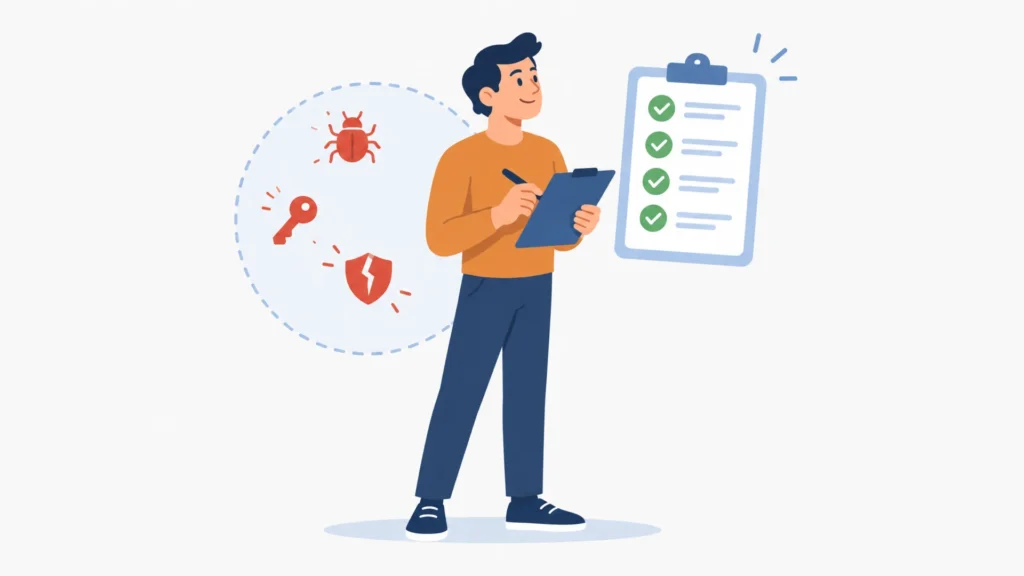
Here's the uncomfortable part: knowing these four mistakes exist doesn't stop you from making them. You can read a list exactly like this one, nod along, agree with every word — and still ship an app next month with a hardcoded API key sitting in a config file. Because you were moving fast. Because the AI never flagged it. It never does. It wrote code that works, and that's a very different thing from code that's safe.
Manually re-reading every file an AI model hands you isn't realistic either, not once a project grows past a handful of screens. You didn't write most of it, so you don't have the instinct for where the weak spots are hiding. That's the exact gap AI code audit tools exist to close.
Running OSV-Scanner is a fine habit. But it only covers one slice of the problem: known-bad dependencies. It has no idea whether your error handling exists, whether your admin panel is actually locked, or whether a secret's sitting in plain text two folders over. That's the gap a broader AI code audit tool fills — something like LetMeCheck.ai, running alongside it rather than instead of it. It reads through the codebase hunting the patterns that turn into 2 a.m. phone calls: exposed secrets and API keys sitting in plain text, admin or payment routes with no real permission check, functions with no error handling just waiting to crash on the first weird input, logic so tangled across files that touching one thing quietly snaps three others.
Instead of a vague "looks fine to me," you get a plain-language report pointing straight at the lines of code — what's wrong, why it matters, and what to do about it before it turns into someone else's emergency call.
Making an audit part of how you build, not an afterthought
Think of a code audit the way you'd think of a save point in a game: something you hit often, not something you do once at the very end in a panic.
- Before you let anyone but you touch the app. Run the audit the moment the core flow works, while the project is still small enough that fixing a problem takes minutes instead of days.
- After every feature you bolt on. Each new feature is a new chance to reopen an old wound, especially around permissions and data handling. A quick re-check catches that early.
- Right before launch, no exceptions. This is the pass that catches the hardcoded key or the admin button with no lock on it, the stuff that's invisible until a stranger on the internet finds it first.
- Treat the report as a checklist, not a suggestion. It's tempting to fix the scary-looking issues and skip the boring ones like missing logging. Don't. The boring ones are usually what makes the scary ones fixable later.
None of this requires becoming a security expert. It just requires building the habit of asking a tool built for exactly this job before you ask your users to trust the app with their data.
Build the rails, then vibe
Build the rails, then vibe. Five words, basically the whole article. Vibe coding isn't the problem — it's a genuinely good way to turn an idea into something real without burning months on setup. The problem is shipping it to real users with no rails on: no logs telling you what broke, nobody checking whether that admin feature is actually locked down.
You don't have to choose between building fast and building safe. Keep using AI to write the bulk of your app in a weekend, if that's what gets you moving. Just close the loop before real people start depending on it. Run OSV-Scanner for the dependency sweep — it's free, takes two minutes, no excuse not to. Then let a proper AI code audit tool like LetMeCheck.ai catch everything OSV-Scanner was never built to see. Together they cover a lot more ground than either one alone. And they catch the four mistakes above while they're still a five-minute fix, not a 2 a.m. phone call.
Build fast. Audit faster. Then ship something that survives contact with actual users.


Join the conversation
What do you think?
Write a comment
No comments yet. Be the first to share a thought.