


Adding a WhatsApp floating icon to your website looks simple on the surface, but most people either overcomplicate it with plugins or underestimate why it works so well. Before jumping into the steps, let’s clear one assumption.
Many website owners believe WhatsApp buttons are just “nice-to-have” UI elements. That is misleading. A floating WhatsApp icon is not a decoration. It is a conversion tool. When done right, it removes friction, captures intent instantly, and shortens the path between curiosity and conversation.
This guide walks you through creating a free WhatsApp link floating icon, without plugins, without coding headaches, and without paying for tools you do not need.
Why a WhatsApp Floating Icon Works Better Than Forms
Let’s question another common belief.
People assume contact forms are enough.
They are not.
Forms demand effort. WhatsApp demands almost nothing.
A floating WhatsApp icon stays visible across pages, loads instantly, and opens a one-to-one conversation. That is the key difference. Unlike email or forms, WhatsApp feels personal and immediate.
Now consider this.
If a visitor has to think before contacting you, you already lost momentum.
A floating WhatsApp button removes that pause.
What You Actually Need to Create One (Spoiler: Not Much)
Here is what many tutorials get wrong. They start with code. That is backward.
What you really need first is a proper WhatsApp link. Everything else sits on top of that.
A WhatsApp chat link includes:
- Your phone number
- An optional prefilled message
- A clickable URL that opens WhatsApp directly
You can generate this manually, but doing it by hand invites formatting mistakes and missed options.
Instead, use this free tool: 👉 WhatsApp Button Generator
https://appmonkey.in/tool/whatsapp-button-generator
It handles formatting, encoding, and customization in one place.
Step-by-Step: Create Your WhatsApp Link (Free Tool)
- Open the WhatsApp Button Generator
- Enter your WhatsApp number with country code
- Add a default message like
“Hi, I am visiting your website and need help” - Choose button style and icon (optional)
- Generate the link or embed code
At this point, many people stop. That is a mistake.
A plain link works, but a floating icon works better.
How to Add the Floating WhatsApp Icon to Your Website
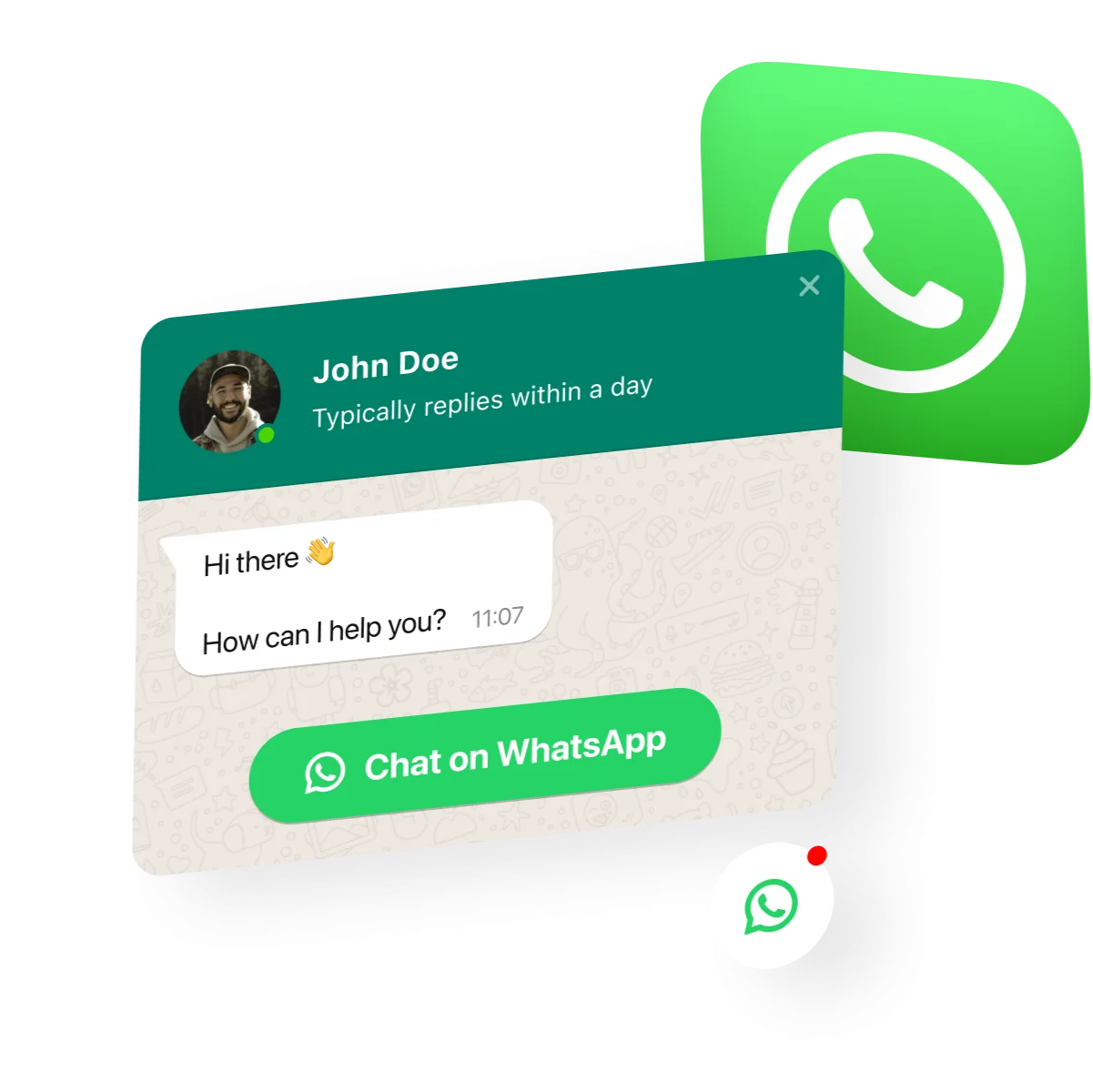
Image copyright belongs to @elfsight
Option 1: Add Using HTML (Works Everywhere)
If your site allows custom HTML, paste this before the closing </body> tag.
<a href="https://wa.me/XXXXXXXXXX?text=Hello%20I%20need%20help"
   style="position:fixed; bottom:20px; right:20px; z-index:1000;"
   target="_blank" aria-label="Chat on WhatsApp">
   <img src="https://upload.wikimedia.org/wikipedia/commons/6/6b/WhatsApp.svg"
        alt="WhatsApp Chat"
        width="55" height="55">
</a>
Replace the number and message with the link generated from the tool.
This works on:
- WordPress
- Laravel
- Plain HTML
- React and Vue apps
Option 2: WordPress Users (No Plugin Required)
If you are tempted to install a plugin, pause.
Plugins add weight, scripts, and dependencies. For a single floating icon, that cost rarely makes sense.
Instead:
- Go to Appearance → Theme File Editor
- Open
footer.php - Paste the code before
</body>
Clean, fast, and under your control.
Placement Matters More Than Design
Here is a flawed assumption many designers make.
“If it looks good, it works.”
Not always.
Best-performing placement is:
- Bottom right on the desktop
- Bottom center or right on mobile
- Visible on all pages
Avoid hiding it on scroll or behind animations. The icon should feel present, not intrusive.
Should You Add a Prefilled Message?
Yes, but with intent.
A bad prefilled message sounds robotic.
A good one reduces hesitation.
Examples:
- “Hi, I have a question about your services.”
- “Hello, I am interested and would like more details.”
Avoid sales-heavy language. WhatsApp is conversational by nature.
Common Mistakes to Avoid
Let’s be blunt here.
- Using an international number without a country code
- Linking to WhatsApp Web instead of wa.me
- Hiding the button only on mobile
- Using oversized icons that block content
- Installing heavy plugins for a simple feature
Each of these reduces trust or usability.
Is This Really Free?
Yes. The WhatsApp Button Generator is free, and WhatsApp links themselves cost nothing.
The only real cost is response time. If users message you and you reply late, the tool is not the problem.
Final Thought: Treat It Like a Sales Doorbell
A floating WhatsApp icon is not marketing fluff. It is a doorbell.
When someone clicks it, they are raising their hand.
If your website has traffic and no WhatsApp floating icon, you are likely missing conversations that never even started.
Create the link. Add the icon. Keep it simple.
And if you want it done cleanly without guessing formats or breaking layouts, use this tool:
👉 https://appmonkey.in/tool/whatsapp-button-generator
That is all you need.